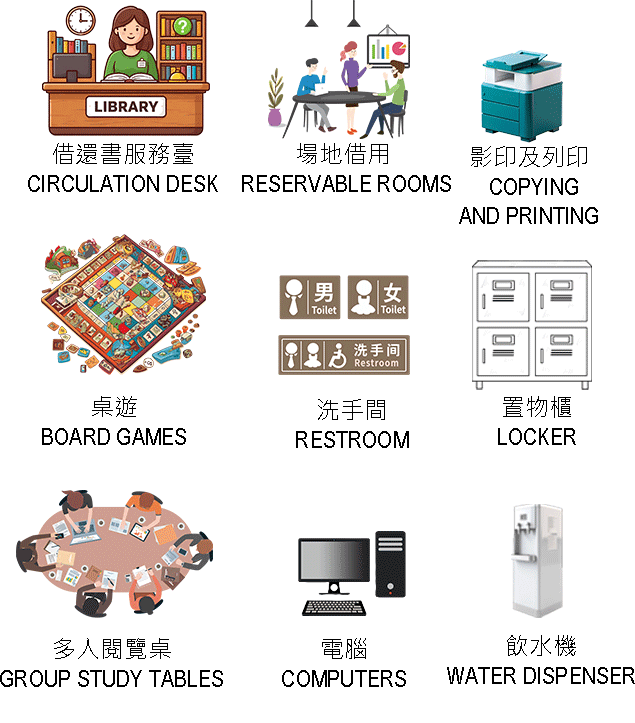
Floor Guide – 1F
Click Num:
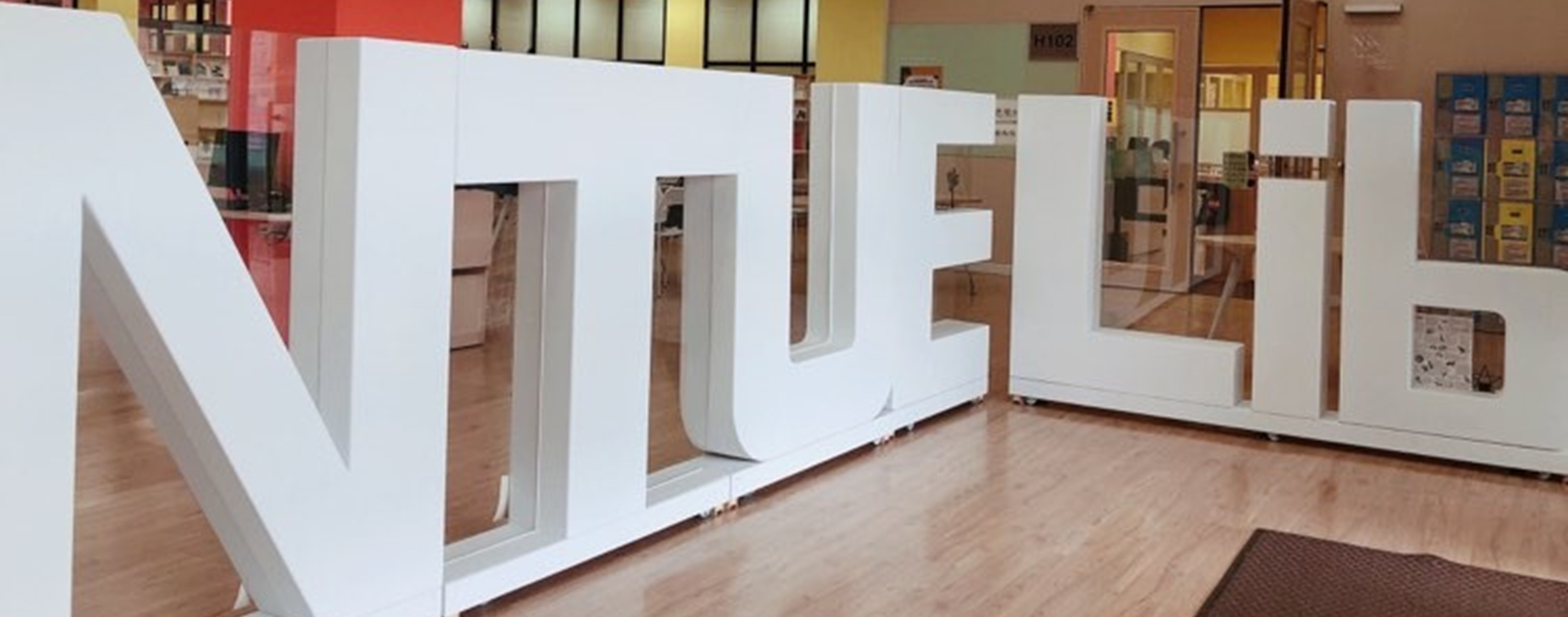

360° Virtual Tour – 1F
🌀 How to Use the 360° Virtual Tour
Please select a location from the menu below to view different areas of the library. You may also use the zoom in/out function for a closer look.
💻 Desktop: Right-click and drag to navigate the panoramic view; use the mouse wheel to zoom in or out.
📱 Mobile: Drag with your finger to explore the panoramic view.
☝️ Please click the menu above to switch between panoramic views of different areas.
圖書館入口
圖書館內部景觀展示
借還書櫃台
圖書館內部景觀展示
藝術區
圖書館內部景觀展示
現期期刊區&多人閱覽桌
圖書館內部景觀展示
電腦區
圖書館內部景觀展示
多功能活動區H103
圖書館內部景觀展示
高互動學習區H102
圖書館內部景觀展示
討論室H102B
圖書館內部景觀展示
討論室H102C
圖書館內部景觀展示
討論室H104
圖書館內部景觀展示
討論室H105
圖書館內部景觀展示
1F – Facilities and Equipment